Helping the PMO succeed, with Microsoft technology
Category: Brainstorm
Sometimes I have a brainstorm session with friends/coworkers and it sticks with me. When that is the case I will sometimes start writing a post that grows on me as it progresses. These Brainstorm sessions I have with myself mostly will gather information from other sources around the web, and might contain best practices. But I don’t want to categorize the posts as best practices because I’m not sure about what the actual best practice is. Good examples of a Brainstorm posts are called The deal with Project Failure and What are workdays in Microsoft Project.
There is also a special kind of brainstorming I do, these are the About posts. Big, content rich articles about specific items or subjects related to Microsoft Project or Project Management.
But there’s sure to come more brainstorms in the future. I hope you like the content that’s already here. And if you are interested in doing a brainstorming session with me please let me know in one of the comments.
It’s 2024, we’ve passed the point of getting LinkedIn feed posts in the style of “120 productivity AIs that will help you gain a better life”. Or, at least I hope so. Just imagine you working with 120 different AIs during the day to become better. I just can’t see that happening.
So, what would be the short path to AI success for the Project Management Office (PMO)?
Prompt sent to Bing.com/create: A project manager, standing with his back to the viewer, looking at a forked road. One into a dark forest, the other path leads to a wonderfully designed office building.Continue reading The short path to AI success in the PMO
While reading Superintelligence, I came across the term collective intelligence. This article is a brainstorm regarding why, and how, this is an interesting term in regards to the PMO. It’s also a sequel to the article regarding the difference between Excel and Project Online.
I recently received 3 questions on my “Ask Me Anything” form. In this article, I’ll address the questions and provide my answers. It would be good to state that these questions came from a Project Online administrator who works for a large organization.
There’s a ground shaking change in ChatGPT land! And it is the ability to “create” your own GPT using the pro subscription of ChatGPT. There have been a lot of cool announcements at the OpenAI developer conference. Today I’ll focus on creating our own PMO minded GPT. TLDR? Try out my PMO chatGPT here.
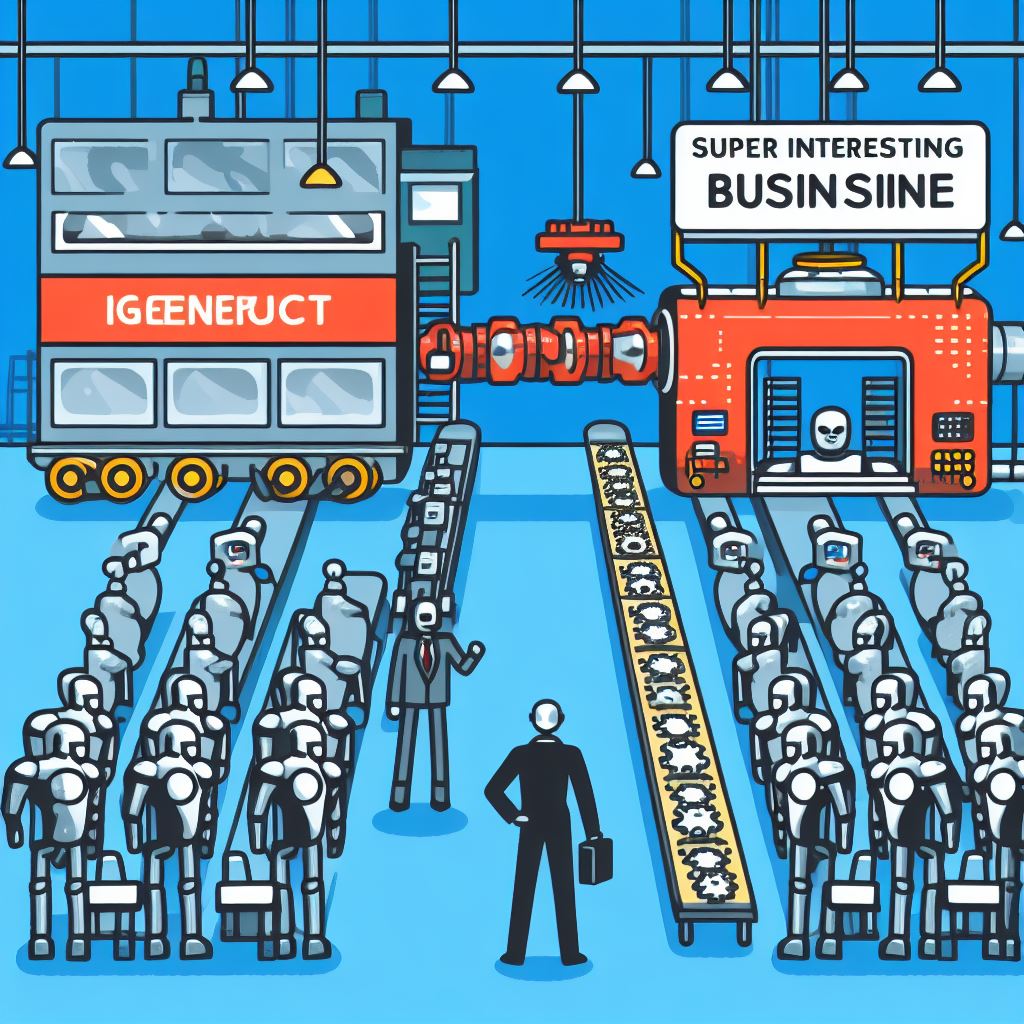
An assembly line with a big machine at the end. On the left side of the machine the line has generic robots on it. on the output side of the line, after the big machine, there is a super interesting and valuable business minded robot. Source: Bing.com/create
Well, it’s a hit and miss this week with the AI generated image. I was hoping for something better to showcase the change from generic to very specific. But with genAI, you don’t always get what you want.
In my mind, this year so far is in 6th gear! In March ChatGPT was the fastest growing “thing” ever, then just a few months later Microsoft acquired the company behind it (OpenAI) and at the beginning of this month (November 2023) Microsoft released its flagship AI solution Microsoft 365 Copilot. What do we know about this Copilot, and are people using it to their benefit?
Dawn of the copilots – Bing.com/create (Dall-E3)
It’s a total miss this week with the image. But I did want to share it, as I have experienced a couple of big hallucinations lately that didn’t fit at all, more on that later.
In this 14th installment of my “generative” AI series, I delve deep into the world of project management and the PMO. As the boundaries between technology and human expertise continue to blur, project managers are now embracing the power of Generative AI to enhance their decision-making process, streamline operations, and unlock innovative solutions.
Oh, and ChatGPT has a new super power!
The transformation from project manager to data scientist thanks to AI. Dream like oil painting. A lot of colors. Artistic. Very detailed
I don’t know where the PM and the data scientist come in, but it is dream like, colorful and artistic for sure.
There are a number of “project” applications in the Microsoft landscape. The ones in the title aren’t even all there is. So, when I got this question from one of my readers I was interested to help out:
I need an article to remove my confusion about the difference between Project for the web, Project web app, Project Online and Project server